On this page
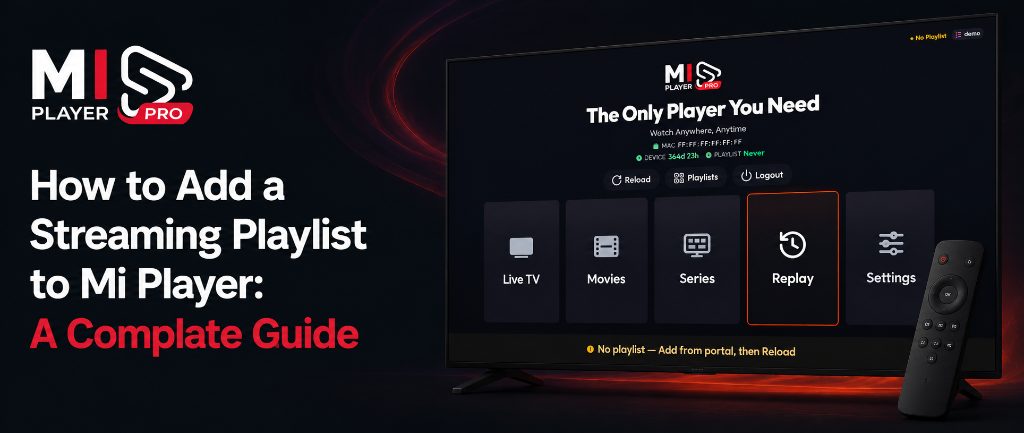
Mi Player is a premium media player — it plays your streaming content, but you provide the playlist. Once you have an M3U or M3U8 link from your streaming service provider, adding it to Mi Player is straightforward. Follow the steps below to get your content loading in minutes.
What You'll Need Before You Start
- A valid M3U or M3U8 URL from your streaming service provider (usually starts with
http://orhttps://) - Mi Player installed and open on your device
- Your device's MAC address (shown on the Mi Player home screen)
- Your Mi Player Device Key (also on the home screen)
Adding Your Playlist via the Dashboard
6 steps- Visit miplayertv.com on any browser (phone, laptop, or tablet).
- Navigate to "Manage Playlist" in the menu.
- Enter your MAC ID and Device Key from the Mi Player home screen.
- Paste your M3U or M3U8 URL into the playlist field. Make sure it starts with
http://. - Click "Save" or "Apply".
- Return to your device, open Mi Player, and restart the app to load your content.
Why Is My Playlist Not Loading?
If your content doesn't appear after adding the playlist and restarting, here are the most common reasons: 1) The URL is incorrect or has expired — contact your provider. 2) Your internet connection dropped during the refresh. 3) The playlist URL contains special characters — double-check for any typos when copying it.
Need a Subscription First?
Activate your device from just €0.60/month, or pay once for lifetime access.