Download the MiPlayer Pro app
The MiPlayer Pro app.On every screen.
From your desk to your sofa. Find your device, install the app, and bring your playlist along.
Start with 7 days free
On first install. No credit card needed.Computer
Make room for a better player.
Your live TV, movies and series in one place on Windows and Mac.
Download for WindowsInstaller .exeDownload for macOS (Apple Silicon)Installer .dmgDownload for macOS (Intel)Installer .dmg
Download the file, open it, and follow the installation steps.
MI PLAYERInside the app
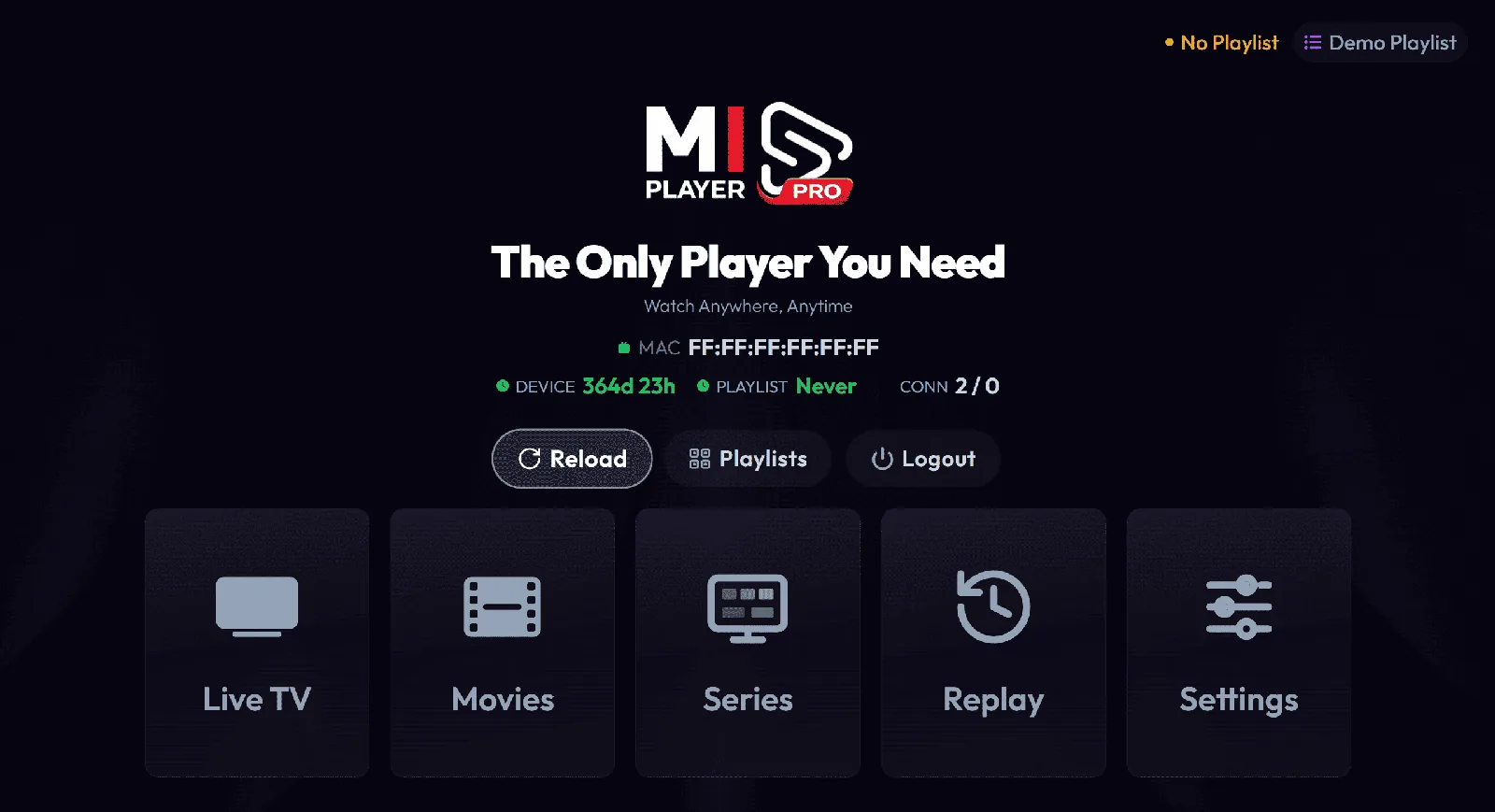
Phone & tablet
Good viewing travels with you.
Open your app store or scan a code with your phone to get Mi Player Pro.

Smart TV
At home on the big screen.
Find Mi Player Pro directly in your TV’s app store. Your remote is all you need.
Search for this exact nameMiplayer Pro
Samsung
Samsung Apps / Smart Hub- Open Apps from your Samsung Smart Hub.
- Search for “Miplayer Pro”.
- Select Install, then open the app.
LG
LG Content Store- Open the LG Content Store on your TV.
- Search for “Miplayer Pro”.
- Select Install, then open the app.
Streaming devices
Fire TV & Android TV
Install Mi Player Pro with the Downloader app. Keep this code handy for your TV.
Enter this in Downloader5055359Download the APK directly
- Get Downloader
Open your TV’s app store and install the Downloader app.
- Allow installation
On Fire TV, open Settings → My Fire TV → Developer Options → Install Unknown Apps, and allow Downloader. On Android TV, allow Downloader to install apps when prompted.
- Enter 5055359
Open Downloader, enter the code in the URL bar, and select Go.
- Install. Open. Enjoy.
Select Install when the download finishes. Open Mi Player Pro and add your own playlist.
About the MiPlayer Pro app
What is the MiPlayer Pro app?
MiPlayer Pro (also written Mi Player or Miplayer) is a media player app for M3U, M3U8 and Xtream Codes playlists. It's available for Android, iPhone and iPad, Windows, Mac, Samsung and LG Smart TVs, Fire TV and Android TV.
Is the MiPlayer app free?
The app is free to download, and every feature is free for 7 days. After that, you activate each device once for lifetime access, or choose a yearly or monthly plan.
Which version should I download?
The one for your device above: the App Store or Google Play on phones and tablets, “Miplayer Pro” in the app store of Samsung and LG TVs, Downloader code 5055359 on Fire TV and Android TV, and the installer on Windows and Mac.
Mi Player is a media player. Channels and content are not included; you’ll need your own playlist. Each device requires its own activation.