MiPlayer ProUpgrade the Way YouWatch
Mi Player makes it easy to watch live TV, VOD, and series in one streamlined app that works on all your screens.
One-time payment. No subscription. No hidden fees.
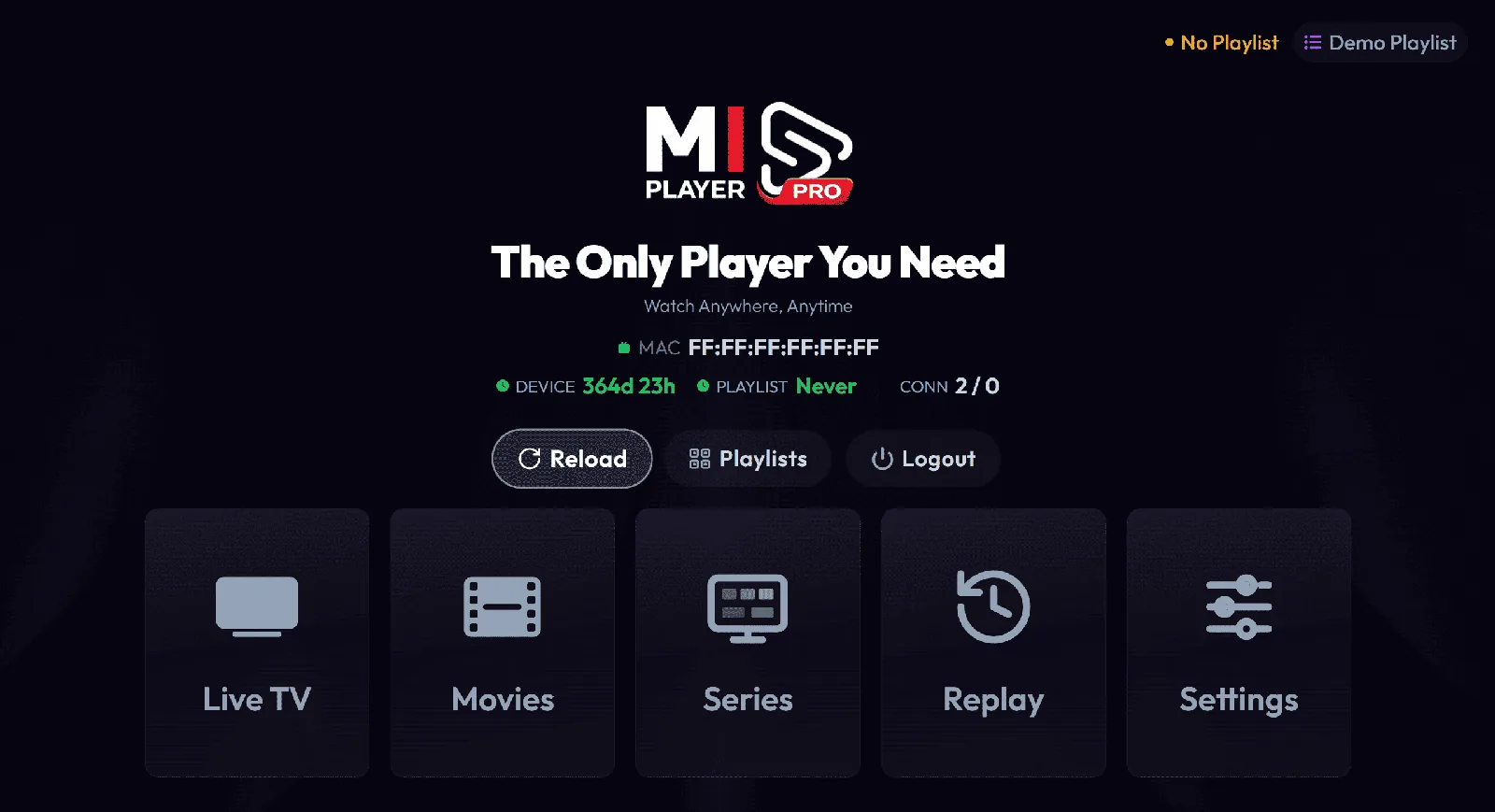
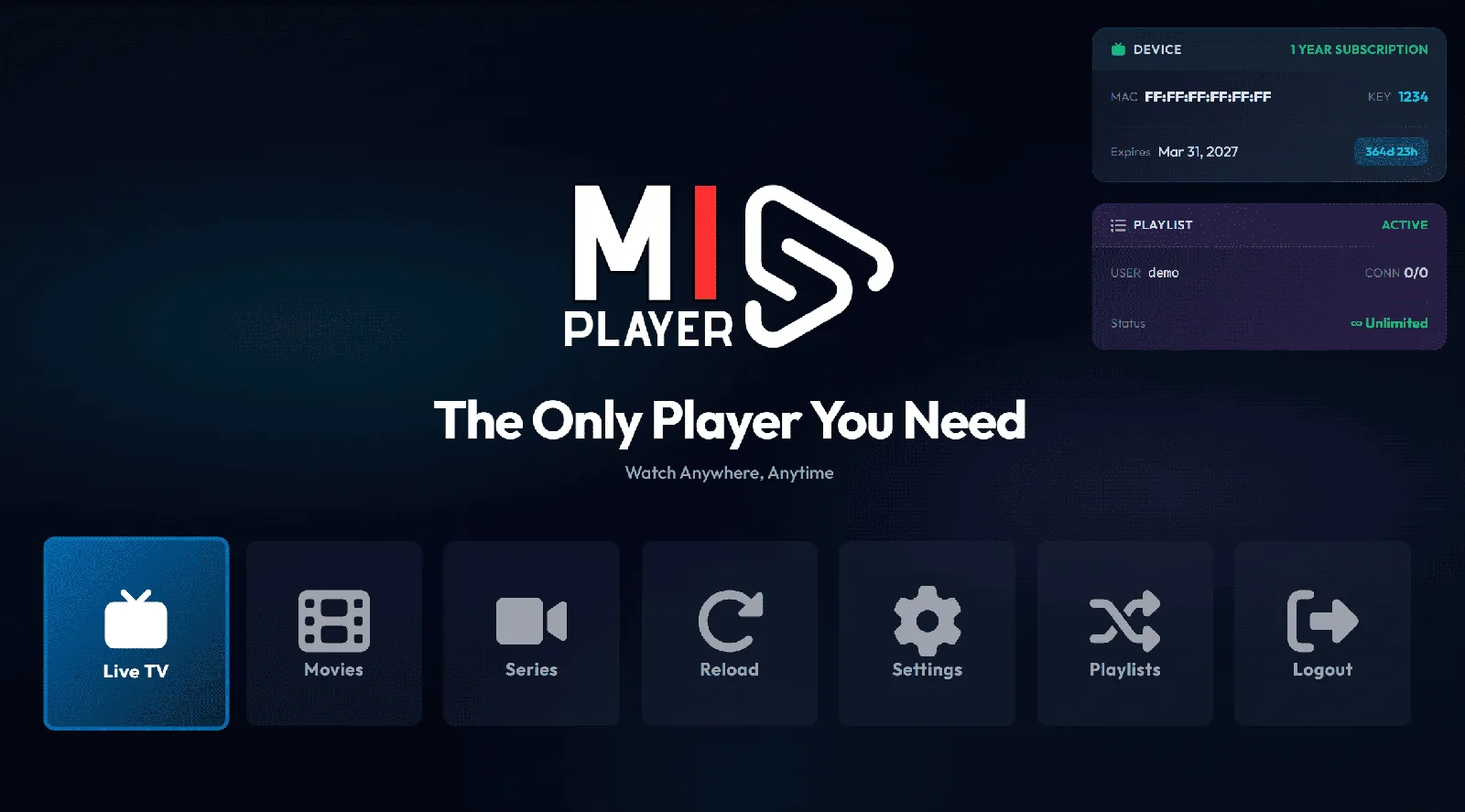
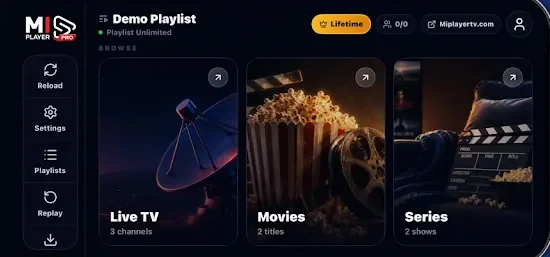








Features that actually matter
Every detail is intentional. Every feature earns its place.
Stunning InterfaceBuilt for your TV
A dark cinematic aesthetic with gold accents — clean, fast, and crafted to feel premium from the first frame.
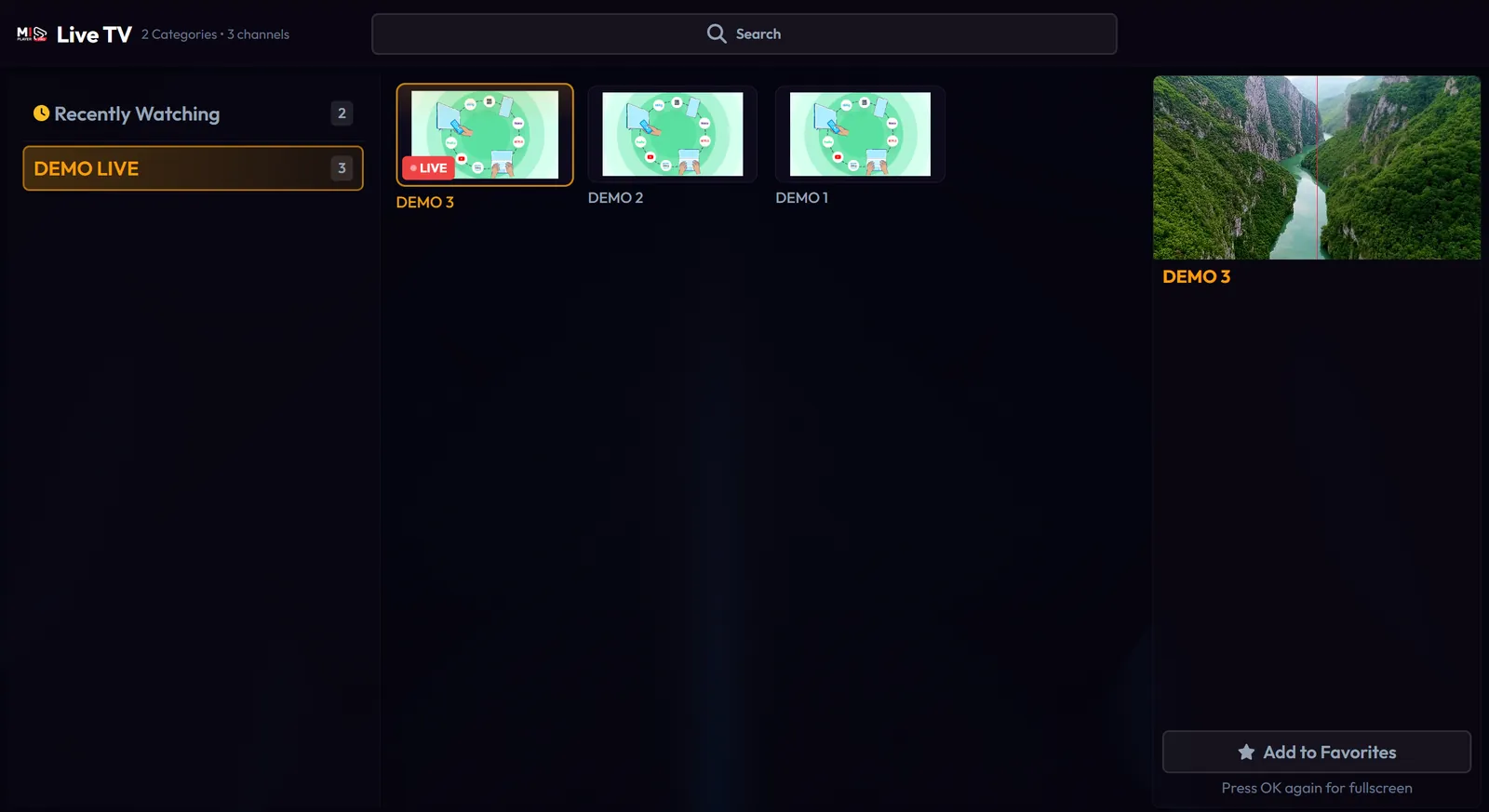
Live TV, Movies & Seriesall in one App
Load your playlist and get everything at once — live TV, movies, and full series, all organized and ready to play instantly with Mi Player. switching between modes in seconds.
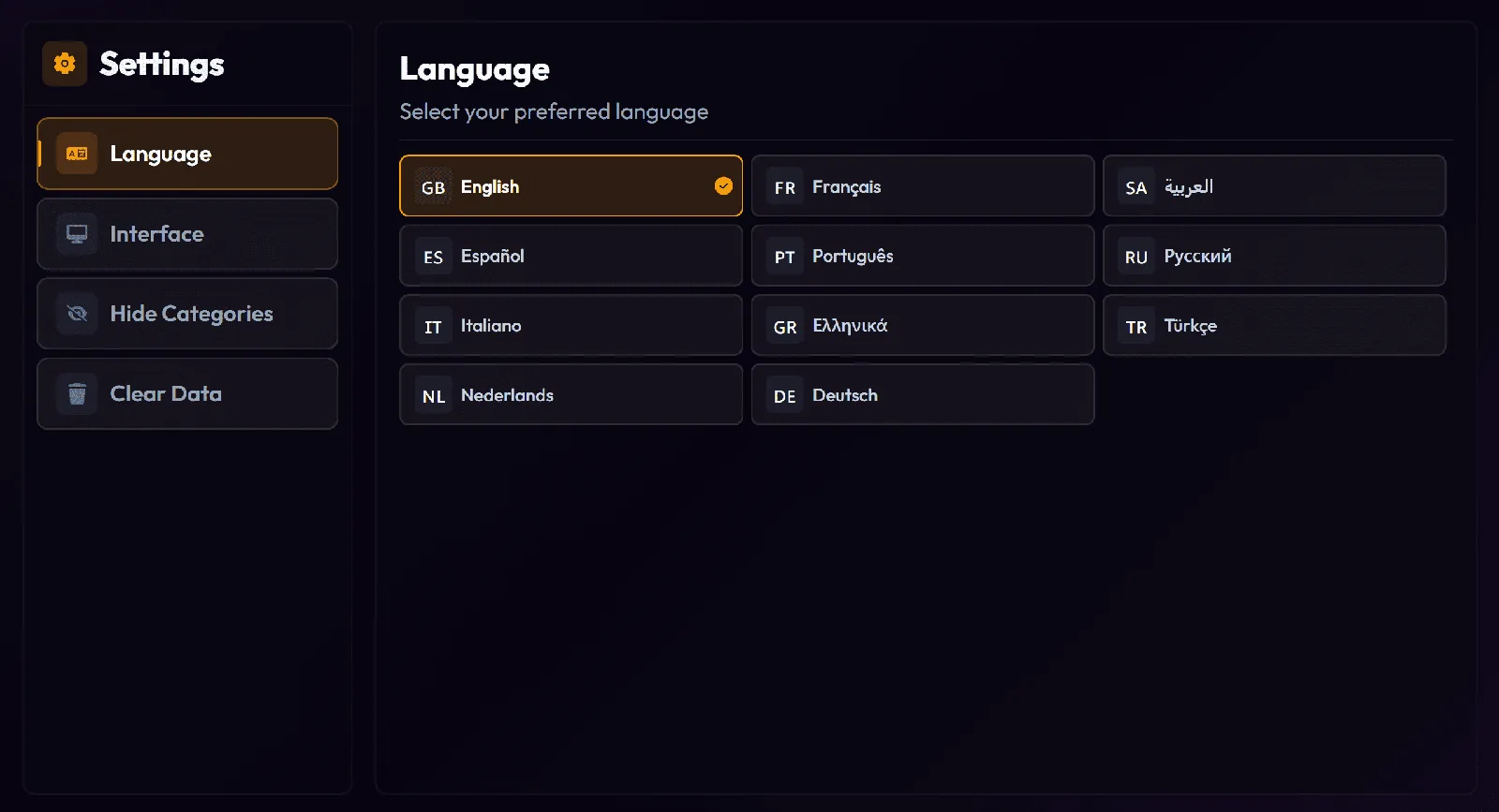
10+ LanguagesOne app
Switch the entire interface language instantly. Full RTL support for Arabic. Your app, your language.
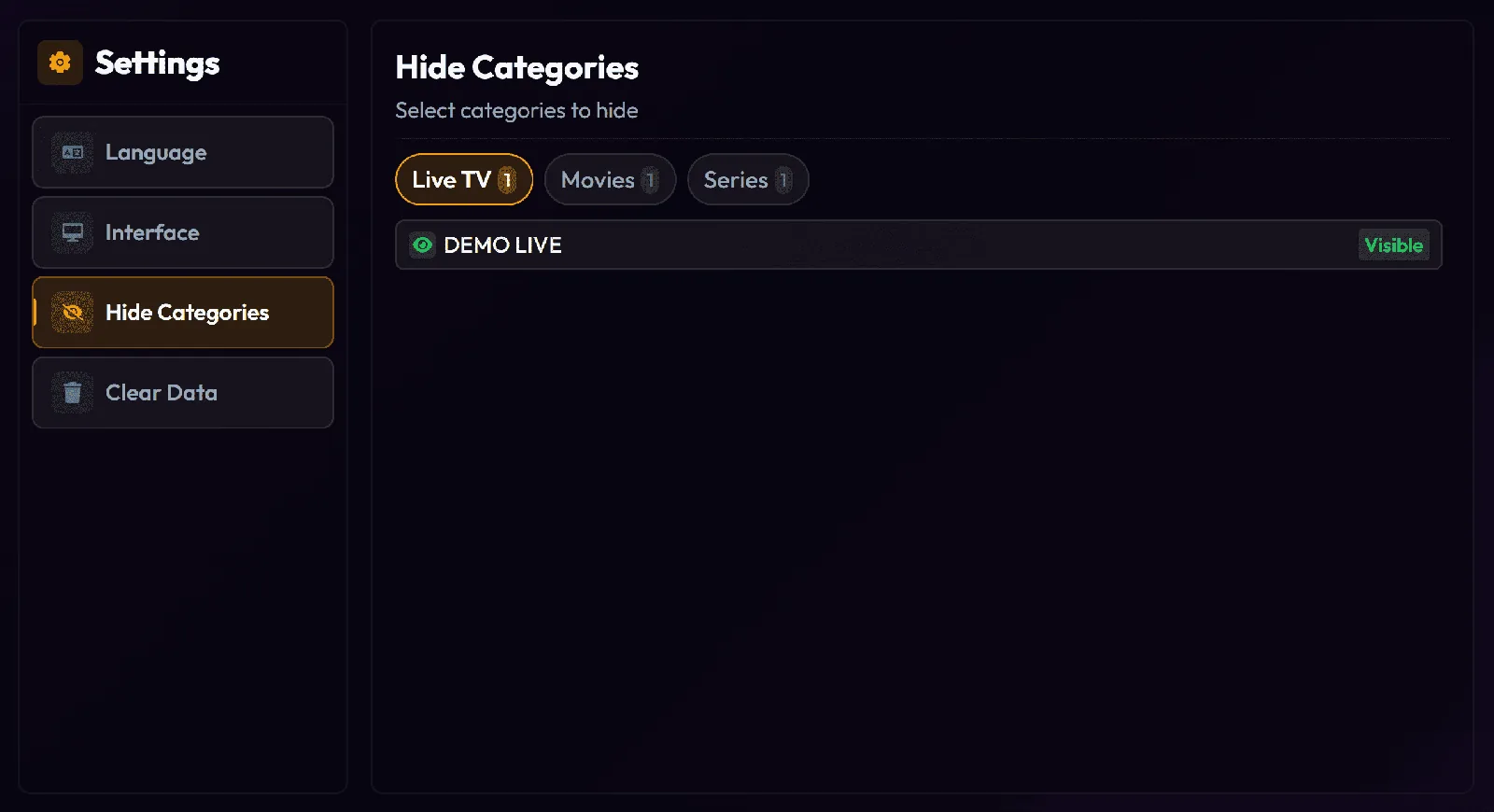
Hide AnythingYou don't need
Toggle entire categories on or off. Only see what you actually watch — keep your content feed perfectly clean.
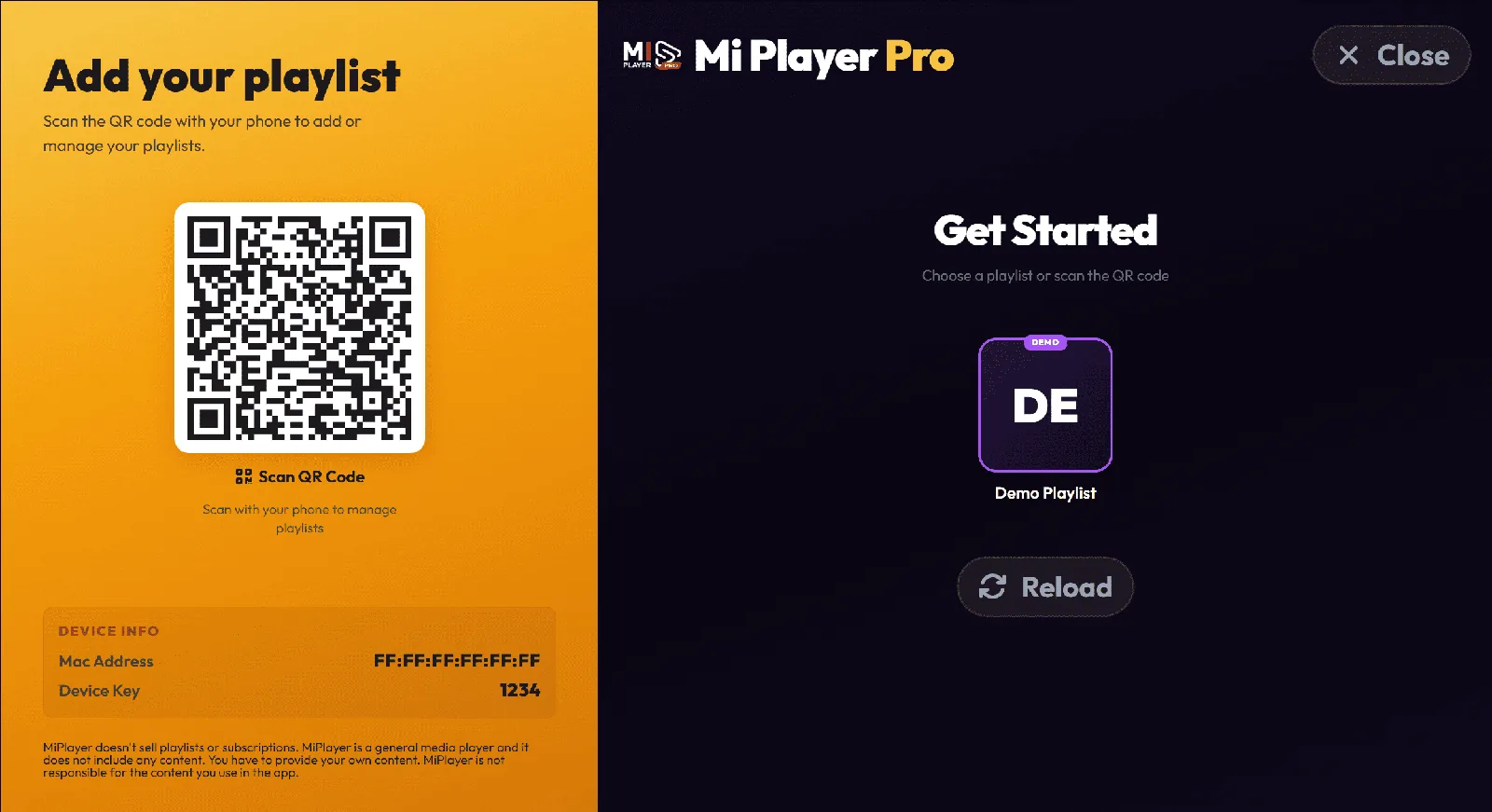
QR Code ScanNo typing needed
Open the app, point your phone at the screen, done. Your playlist loads instantly via QR — zero hassle.
1 License, All the Apps
Get full access to our entire app suite with a single subscription.
MiPlayer
The classic streaming experience. Fast, reliable, and easy to use across all your devices.
MiPlayer Pro
The premium experience with advanced features, enhanced playback, and exclusive content support.
You can use whichever app you like — it all depends on your taste.
Free Trial
Install the app for the first time and your free trial starts automatically — no sign-up needed.
Free Trial includes
- ✓Full app access for 7 days
- ✓Starts automatically on first install
- ✓Works on all supported devices
- ✓No credit card required
Just install the app — your 7-day trial activates instantly.
Lifetime
via WhatsApp — instant delivery
One-time payment. No renewals.
Everything included:
- ✓Lifetime access — pay once
- ✓All future updates included
- ✓1 device license
- ✓Multi-language interface
- ✓Priority WhatsApp support
After payment, restart the app — your account will be activated automatically.
1 Year
Full access for one full year.
Billed annually.
All Free plan features, plus
- ✓Full access for 1 year
- ✓All updates during period
- ✓1 device license
- ✓Multi-language interface
- ✓WhatsApp support
After payment, restart the app — your account will be activated automatically.
1 Month
Try full access for just one month.
Offer ends December 31, 2026
Includes:
- ✓Full access for 1 month
- ✓All updates during period
- ✓1 device license
- ✓Multi-language interface
- ✓WhatsApp support
After payment, restart the app — your account will be activated automatically.
Getting started
What is MiPlayer?
Does MiPlayer include channels or a subscription?
Is MiPlayer legal?
Is there a free trial?
What's the difference between MiPlayer and MiPlayer Pro?
Devices & installation
Which devices does MiPlayer work on?
How do I install MiPlayer on Fire TV or Fire Stick?
How do I install MiPlayer on a Samsung or LG Smart TV?
Can I use one license on several devices?
Pricing & activation
How much does MiPlayer cost?
Is the lifetime plan really a one-time payment?
How do I activate MiPlayer?
Playlists & help
How do I add my playlist?
Where do I find my MAC address and Device Key?
Why does MiPlayer say “All playlists failed to load”?
How do I contact support?
Guides & tips
Setup walkthroughs, fixes for common errors and honest comparisons — so you spend less time configuring and more time watching.
 Education
What Is an EPG TV Guide? How Your Channel Listings Work
 Education
How Much Internet Speed Do You Need for 4K Streaming?
 Comparison
The 5 Best Media Players for M3U & Xtream Playlists in 2026
 Setup Guide
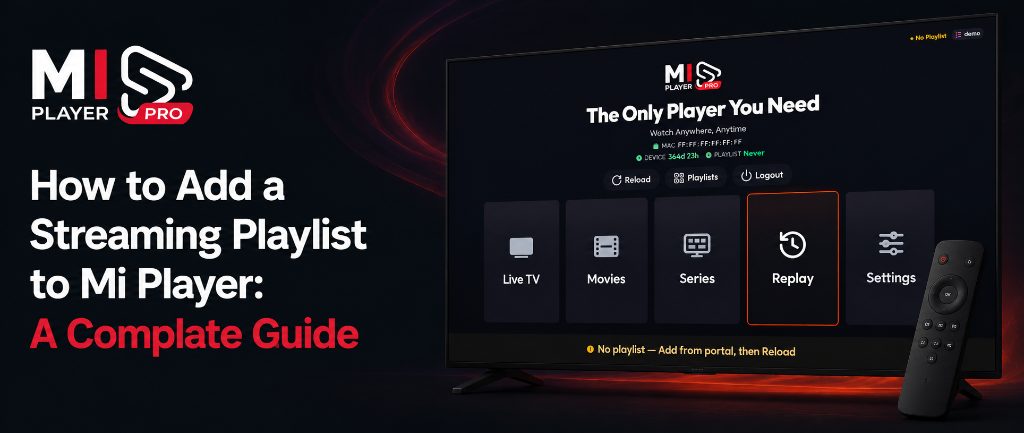
Mi Player Pro Download: How to Install It on Any Device
 Tutorial
How to Add an M3U or Xtream Codes Playlist to Mi Player
 Troubleshooting
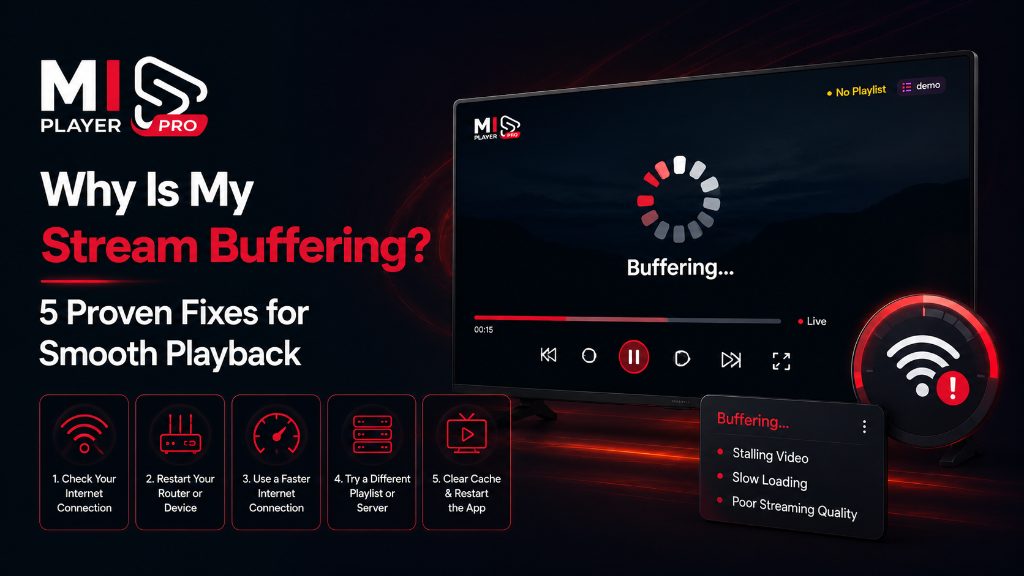
Why Is My Stream Buffering? 5 Proven Fixes for Smooth Playback