On this page
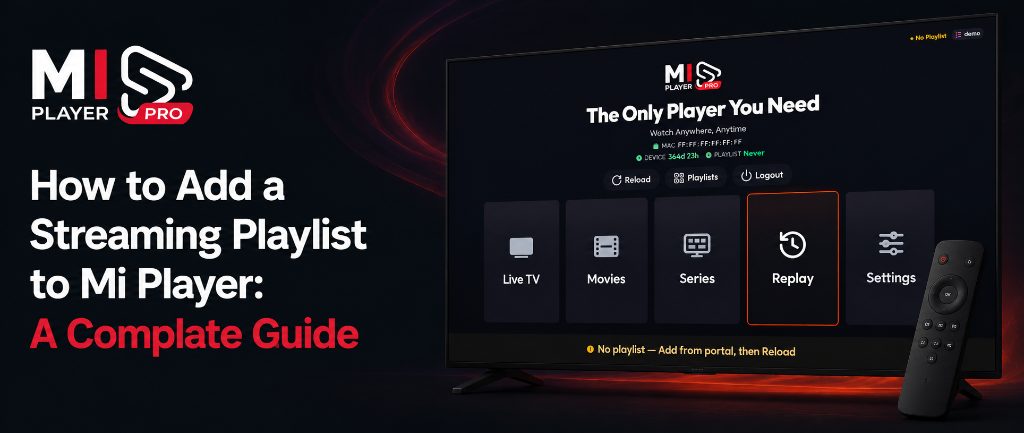
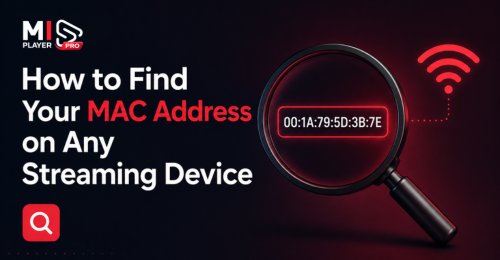
To activate Mi Player or add a playlist, you need two details: your MAC address and your Device Key. The good news? You don't have to dig through your TV's settings — Mi Player shows both right inside the app. The MAC address looks like A1:B2:C3:D4:E5:F6 and the Device Key is a 6-digit number.
What Are the MAC Address and Device Key?
The MAC address is how Mi Player identifies your device, and the Device Key works like a password for it. Together they let you activate your device and manage your playlists from any phone or computer — no account, email or password needed.
Option 1: On the Home Screen
3 steps- Open Mi Player on your TV or device.
- On the home screen, find the Device panel.
- Your MAC address and Device Key are listed there, along with your activation expiry date.
Option 2: On the Playlist Screen
3 steps- Open the Playlist section in Mi Player.
- Look for Device Info — your MAC address and Device Key are shown there.
- Even faster: scan the QR code on that screen with your phone. It opens our Manage Playlists page with your MAC address and Device Key already filled in.
Typing Them In Without Mistakes
- The MAC address has 12 characters, using only the numbers 0–9 and the letters A–F. Our website adds the colons for you.
- Because the letter O is never used, any round character is always the number zero.
- The Device Key is always 6 digits.
- Each device has its own MAC address and Device Key, and needs its own activation.
Ready to Activate?
Now that you have your MAC address and Device Key, activate your device in seconds.