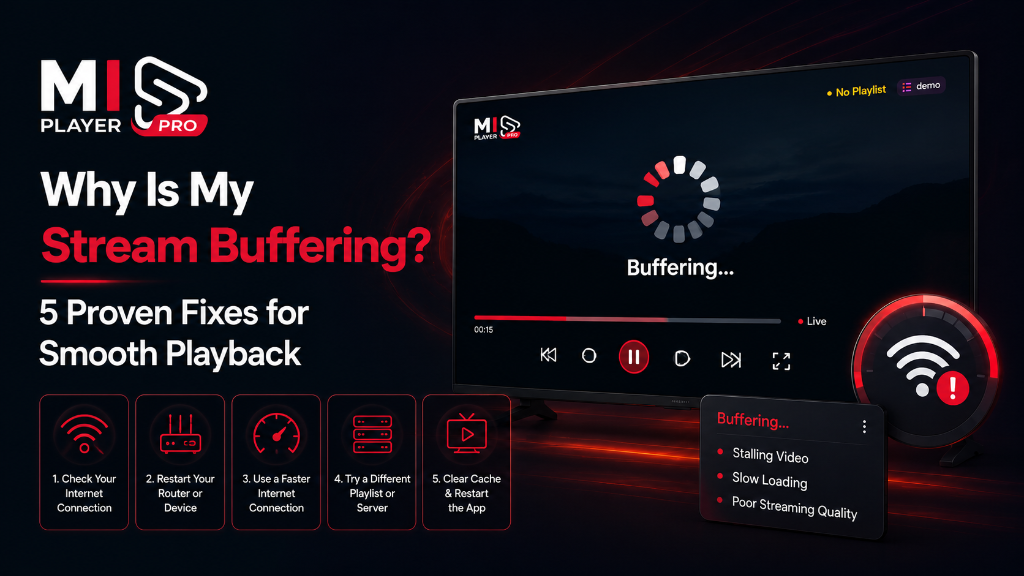
Buffering happens when your device cannot receive data fast enough to keep up with playback. It's almost never the fault of your media player app — instead it usually comes down to one of five root causes. Let's diagnose and fix them one by one.
Fix 1: Test Your Internet Speed
For HD streaming you need at least 10 Mbps. For 4K, aim for 25 Mbps or more. Run a speed test at fast.com or speedtest.net on the same network as your streaming device. If you're consistently below these numbers, upgrade your internet plan or move your router closer to your device.
Fix 2: Switch from Wi-Fi to Ethernet
Wi-Fi interference is one of the most common causes of buffering. If your streaming device supports it, connect directly via an Ethernet cable. This eliminates signal interference from walls, other devices, and neighboring networks — and typically delivers a more stable connection even at lower speeds.
Fix 3: Restart Your Router
Routers can accumulate memory errors over time. A simple restart — power off for 30 seconds, then power back on — clears cached connections and often resolves intermittent buffering without any other changes.
Fix 4: Close Background Applications
Other apps running in the background consume both RAM and bandwidth. On Fire TV, press and hold the Home button → select Apps → close any unnecessary apps. On Android TV, go to Settings → Apps → Running apps and force-stop anything you don't need.
Fix 5: Contact Your Streaming Provider
If your internet speed is fine and the issue persists on specific channels, the problem is almost certainly on the server side. Your streaming service provider controls the quality and stability of the content servers. Reach out to them directly — they can often upgrade your server connection or point you to a more stable stream URL.
Switch to a Smarter Player
Mi Player's adaptive engine handles buffering better than the competition.
Get Mi Player