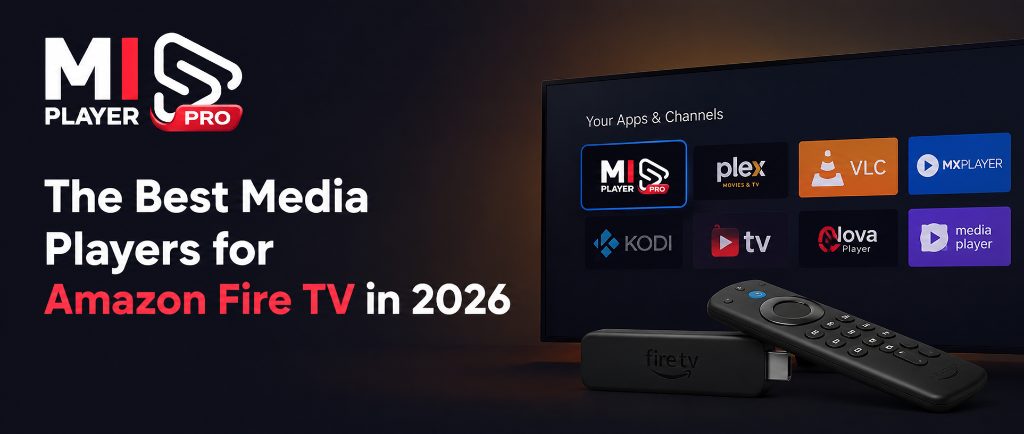
Amazon Fire TV is one of the most popular streaming platforms on the planet — and with that popularity comes a crowded app marketplace. But not all media players are created equal. Some are packed with ads, others struggle with buffering, and a few simply look like they were built a decade ago. Here's what actually matters when choosing a media player for your Fire TV device in 2026.
What Makes a Media Player Great on Fire TV?
Speed & Responsiveness
A great media player should channel-switch instantly. Any lag above 1–2 seconds while browsing kills the experience.
Clean Interface
An organized EPG and intuitive navigation means you spend less time searching and more time watching.
Stable Licensing
Device-bound licensing prevents unauthorized sharing and ensures your subscription is always tied to your device.
4K & Multi-Format Support
Support for H.264, H.265/HEVC, and hardware-accelerated decoding ensures smooth playback even for high-bitrate 4K streams.
Why Mi Player Stands Out
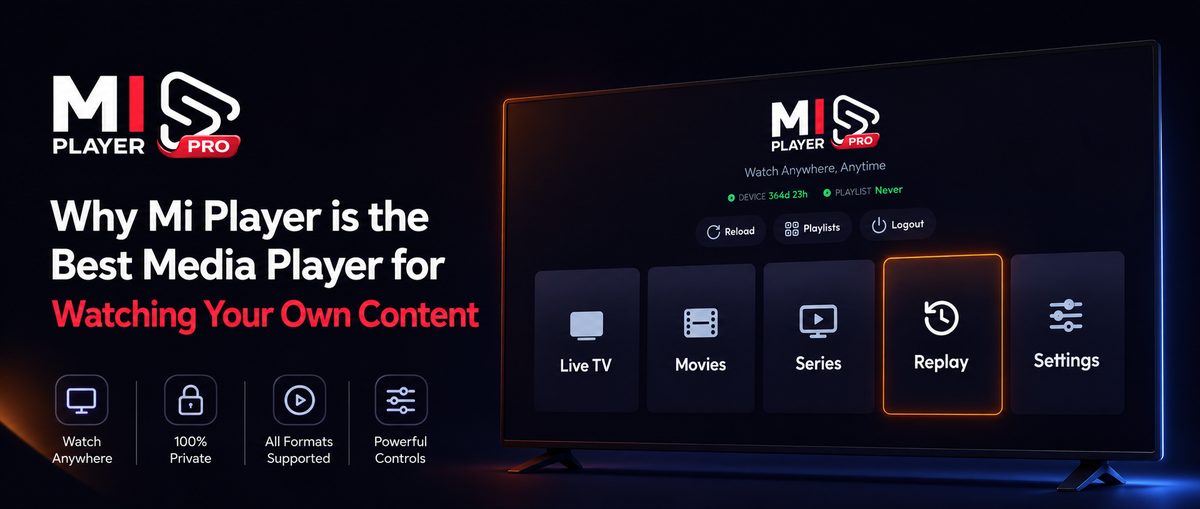
Mi Player was built with Fire TV in mind. The app is optimized for remote-first navigation, requires no login or account (your MAC address is your identity), and delivers a polished, ad-free experience from the moment you activate. With support for M3U, M3U8, and a 7-day catch-up Replay feature, it handles every type of streaming content your service provider delivers.
Try Mi Player on Your Fire TV
Install Mi Player, get a 7-day free trial, and activate with a plan that fits your needs.