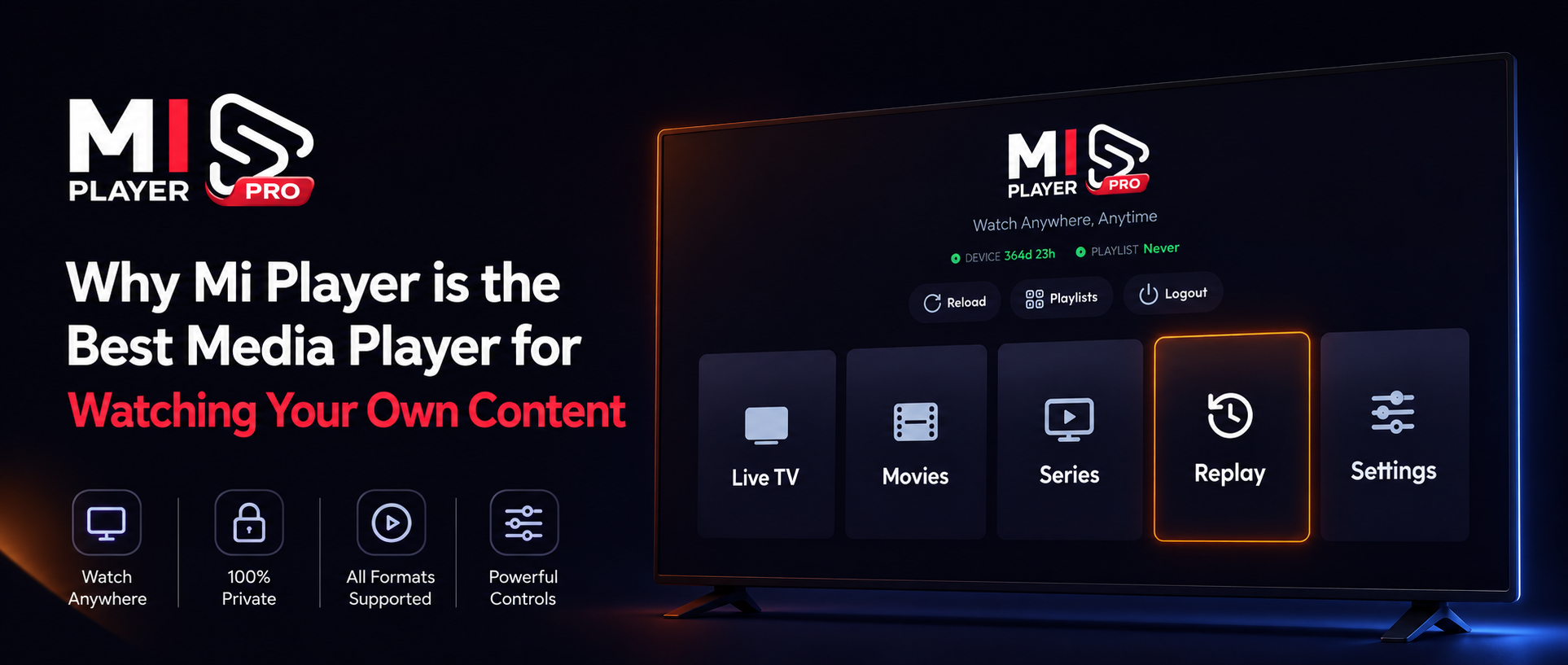
You have your own media, your own playlists, and your own preferences. But finding an app that actually lets you enjoy your content without a frustrating setup process is incredibly difficult. Most media players feel like they were built a decade ago. You have to type 50-character URLs using a TV remote, the interfaces are cluttered, and upgrading is a confusing mess. Enter Mi Player—a modern media player designed specifically to get out of your way and let you watch your own content faster and easier than ever before.
Reason 1: The End of Typing (10-Second QR Code Setup)
Typing a long URL like http://provider.com:8080/get.php?username=... using the left and right arrows on a TV remote is a nightmare. One typo means starting all over. Mi Player eliminates this completely. Simply open the app, go to the Playlist section, and point your phone camera at the TV screen's QR code. Your playlist is synced instantly. No typing, no errors, just immediate access to your media library.
Reason 2: Total Customization (Hide What You Don't Want)
When you load your own content, it often comes with hundreds of categories—dozens of countries or sports you don't watch. Scrolling past 50 folders just to find the movies you actually like takes forever. Mi Player gives you total control over your interface. With a few clicks, you can completely hide the categories you don't want to see. Your dashboard becomes clean, personalized, and filled only with the content you care about.
Reason 3: The Most Frictionless Premium Upgrade Ever Built
Upgrading to a premium app usually involves manually writing down a 12-character MAC address, going to a website on your laptop, typing it in along with a device key, and hoping you didn't mess up the numbers. With Mi Player's "One-Scan" Activation process, it's flawlessly easy:
The One-Scan Activation Process
- 1Go to the Activate Device section on your TV.
- 2Scan the QR code with your smartphone.
- 3Your phone opens the secure payment page with your MAC Address and Device Key already auto-filled.
- 4Choose your preferred plan (1-Year or Lifetime) and complete the payment.
- 5Click Reload on your TV, and your app is instantly upgraded.
Stop Fighting Your Media Player
If you have your own playlists and want the most premium viewing experience available, download Mi Player today.
Get Mi Player